
File Uploads for Peer Review Decision-Making
I led the UX effort to better support editors handling complex reviewer feedback, balancing usability, anonymity, and governance to create a more efficient and trustworthy workflow in peer review.
The Project
UX Designer
My role
UX Designer
Team
1 Product Owner,
3 Engineers,
1 QE,
1 Analyst
Timeline
Feb 2026 -April 2026
Overview
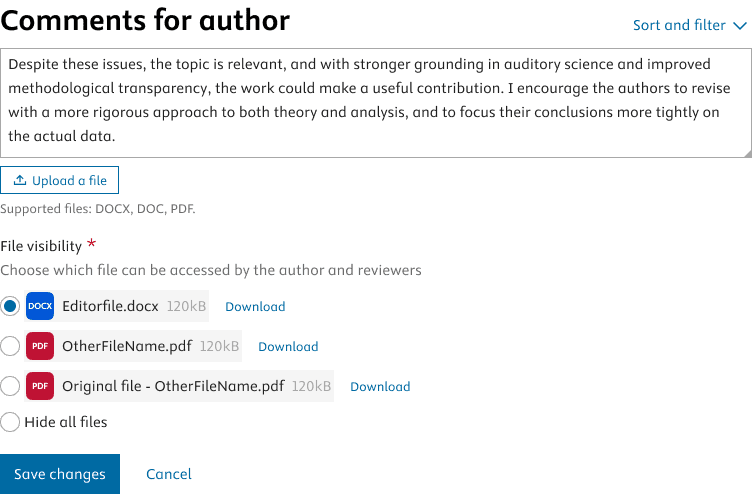
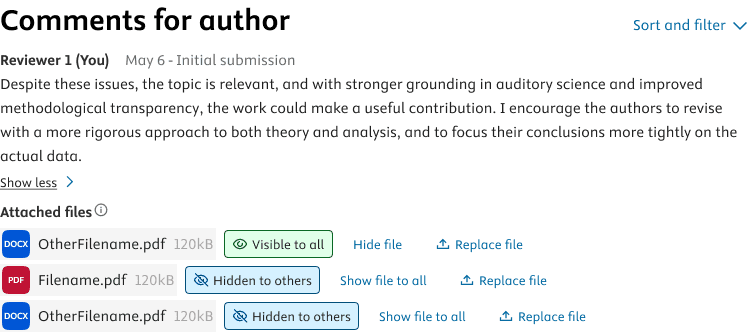
This project explored how file uploads could improve the editorial experience in peer review.
The initial request surfaced through reviewer behaviour, but the real design challenge was editorial: how to help editors work faster, make better decisions, and manage file-based feedback without adding unnecessary complexity or risk.
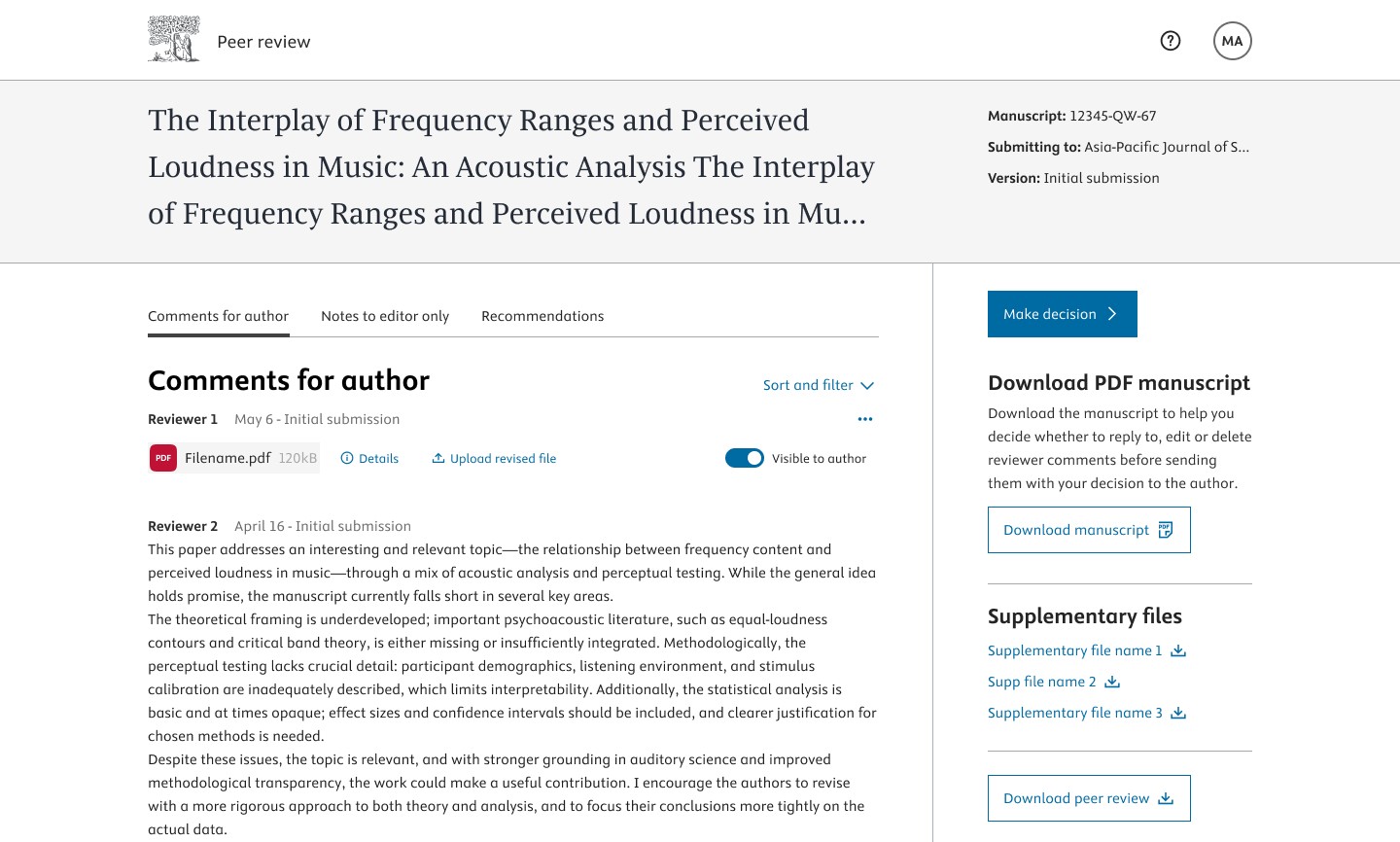
The challenge of file uploads
Editors are the decision-makers in peer review. They need to evaluate reviewer feedback efficiently, understand what can be shared onward, and maintain the integrity of the process.
Introducing file uploads had the potential to support this, but also to create friction if not designed carefully. At an enterprise level, this also meant designing for consistency, governance, and scalability across many journals and editorial contexts.
My role
I reframed the feature around editorial outcomes rather than upload mechanics alone.
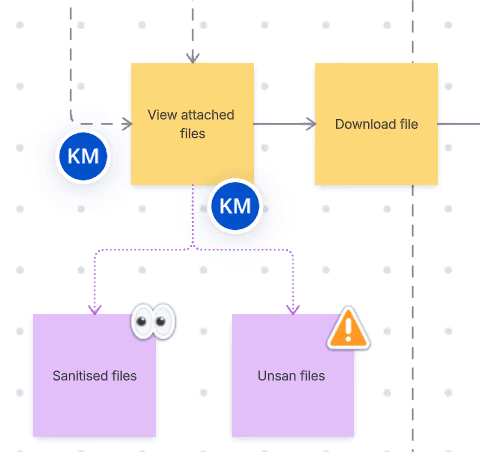
Synthesised discovery findings and mapped editor workflows
Defined direction that supported decision-making rather than slowing it down.
What I'd do differently now
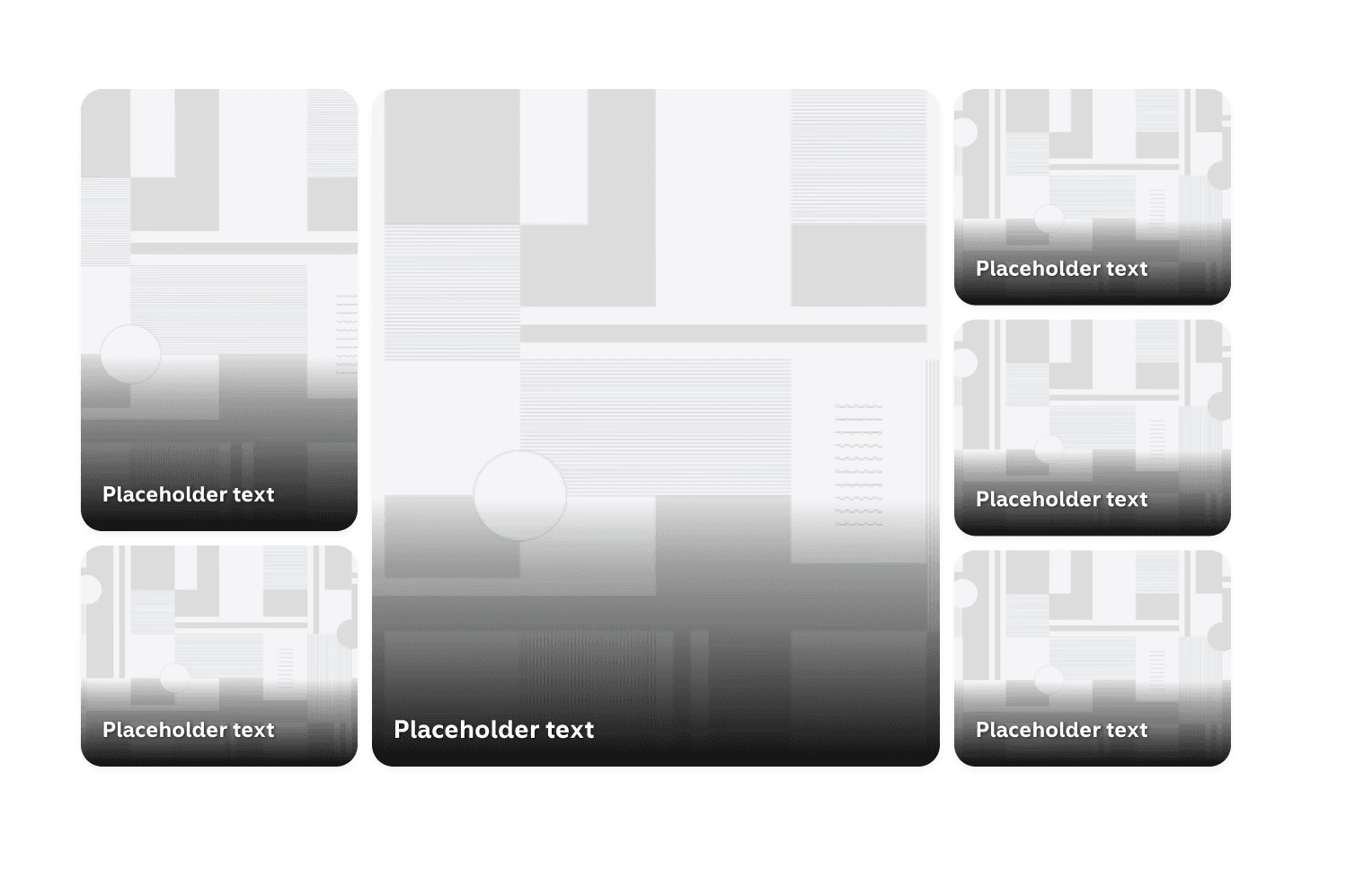
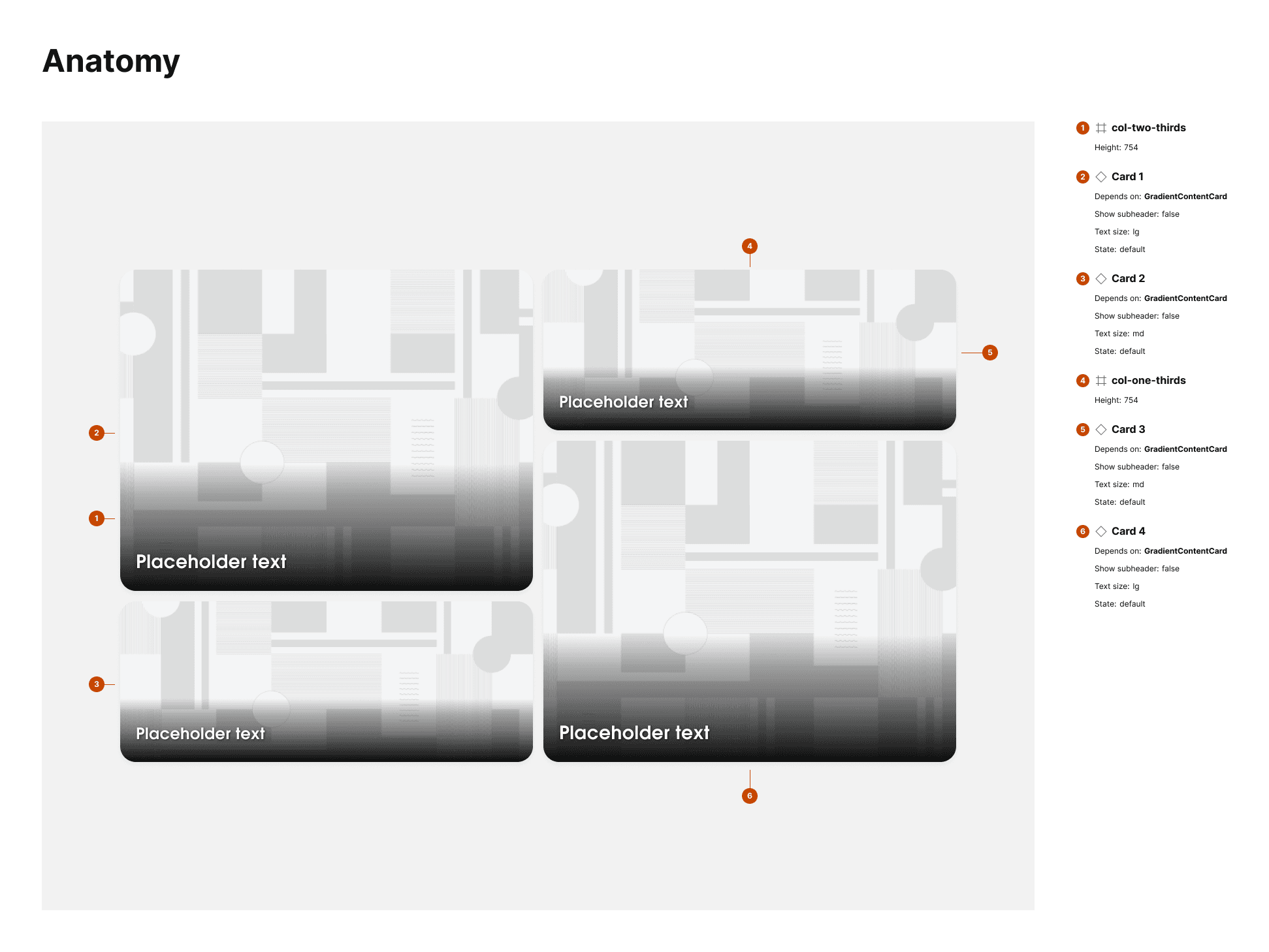
Back to 6-box version
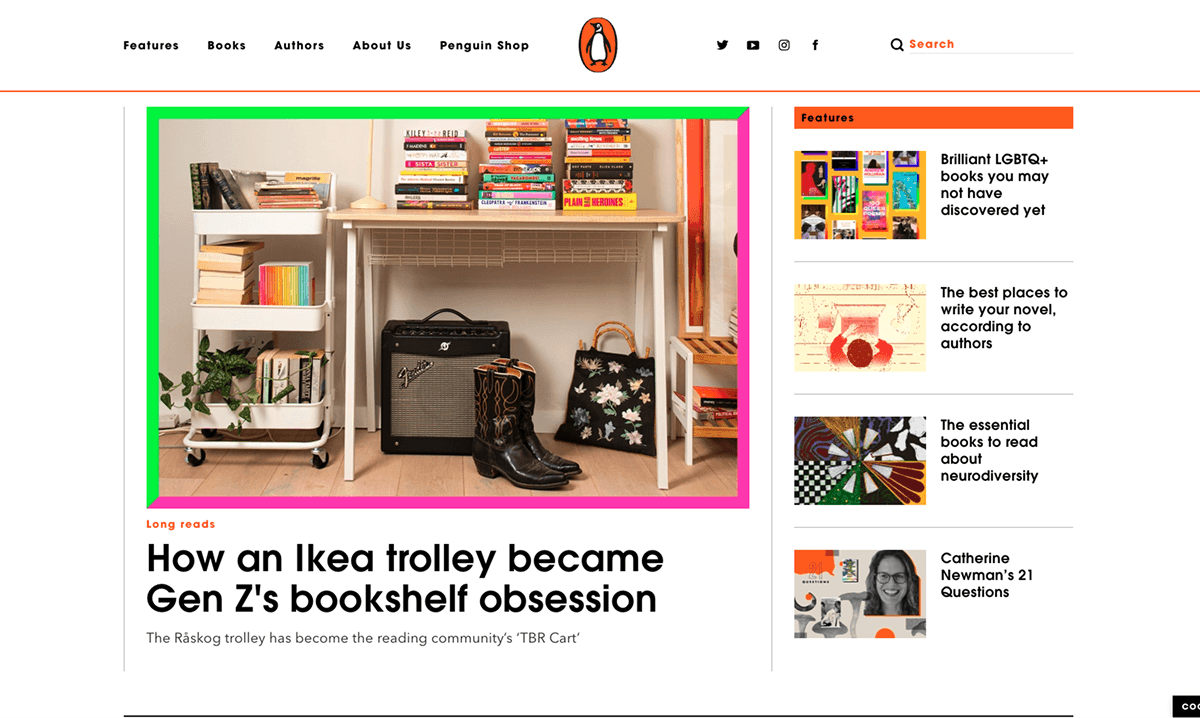
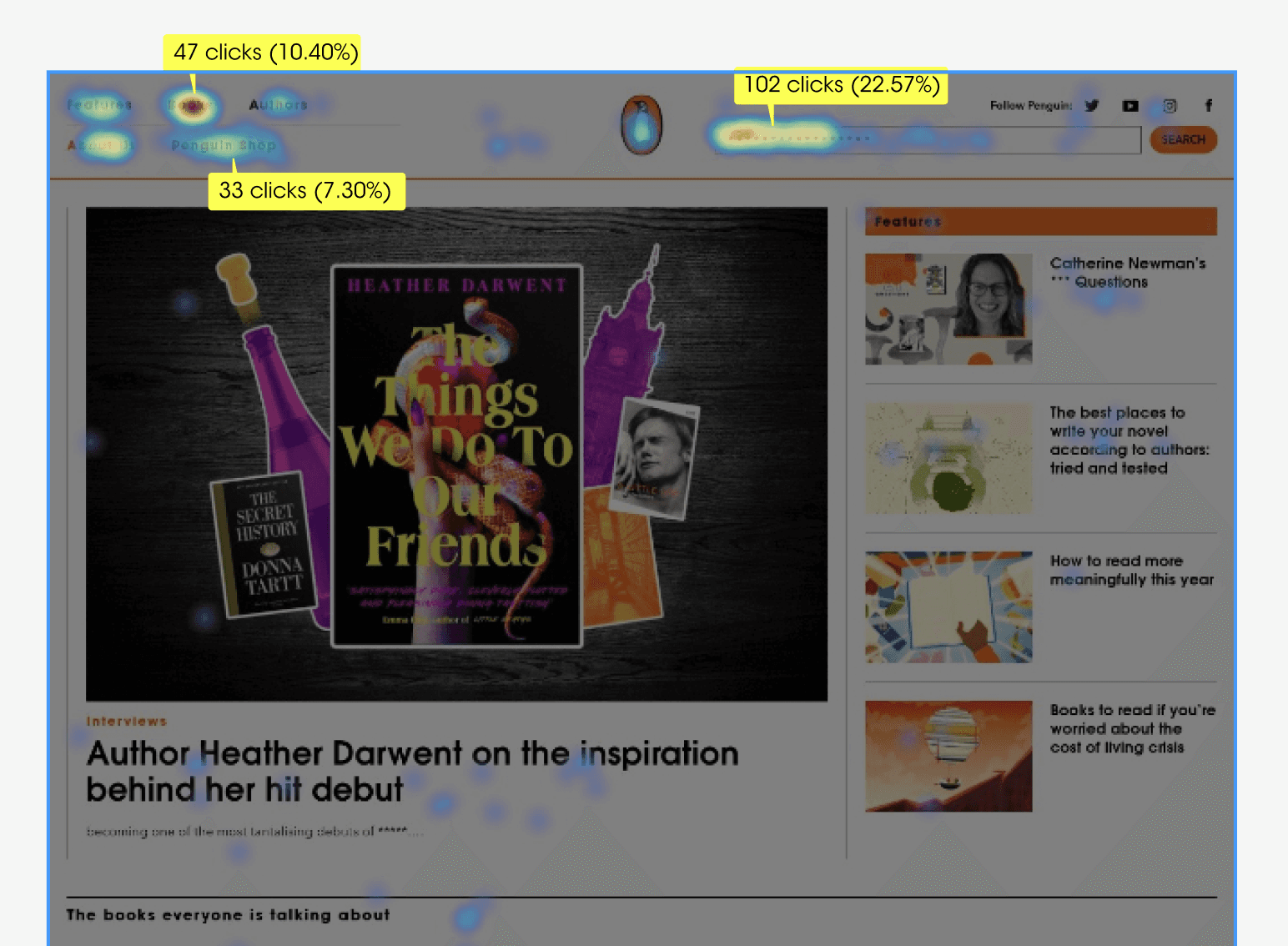
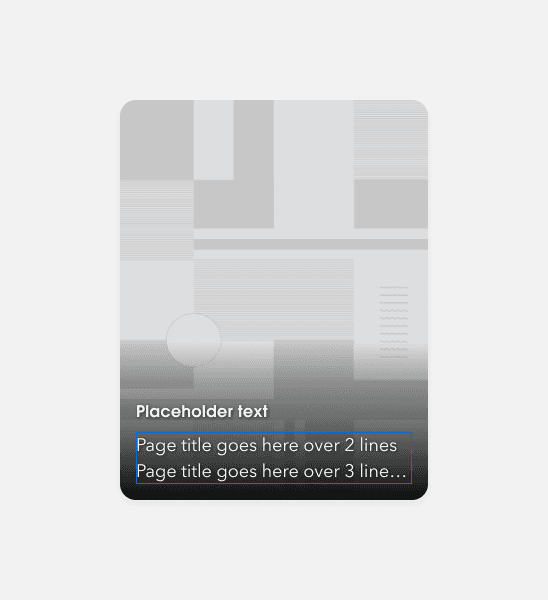
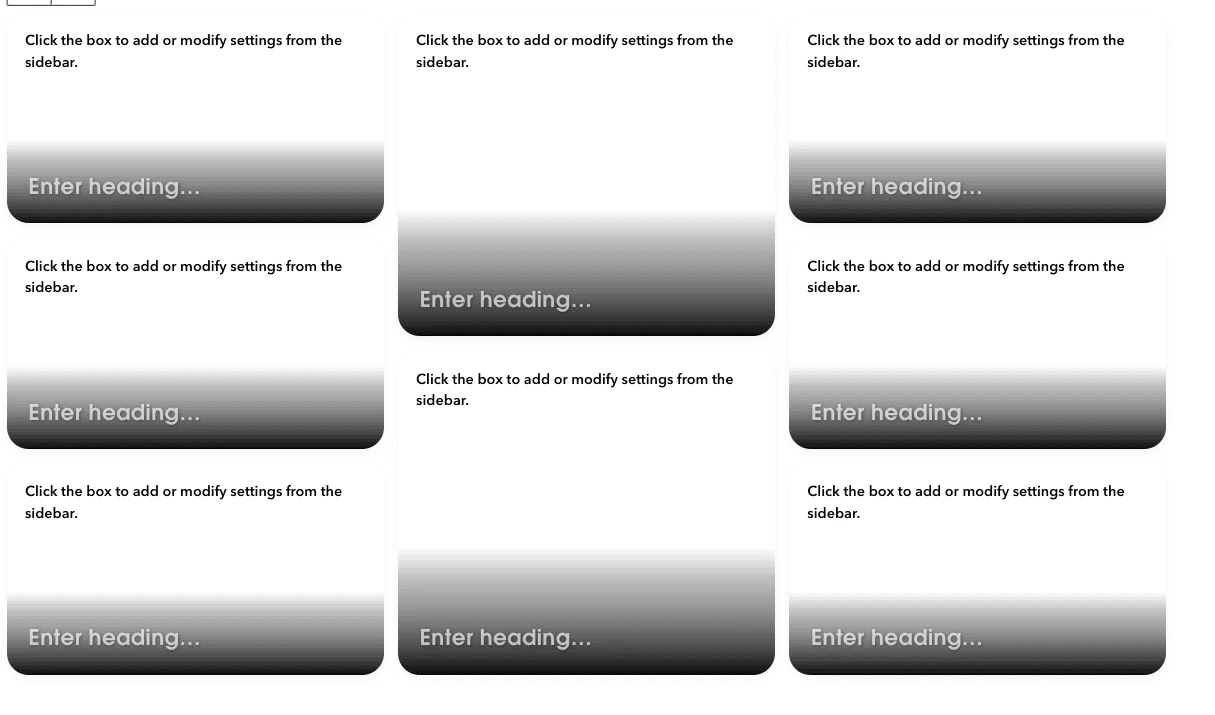
My initial thinking is that having 8 boxes instead of 6 or 4 is causing decision paralysis in users and increasing the load. As Hick's Law shows, presenting users with too many choices can be overstimulating and reduce Psych levels.


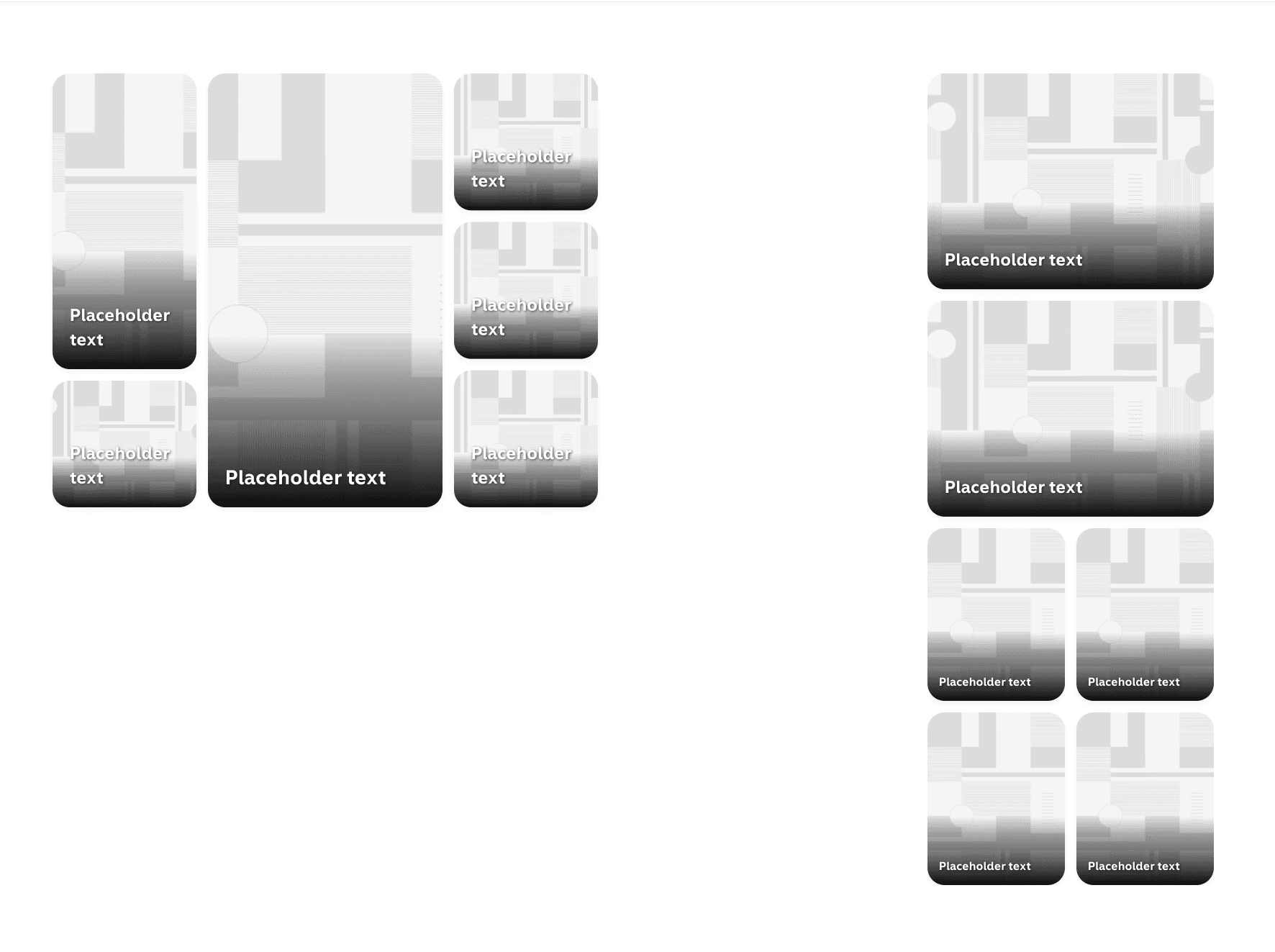
Personalised options
My team is currently testing out using the bento box as a way to surface personalised content to returning users. If a user has visited specific genre pages on the site, they'll see different articles here related to their interests. So far, we've seen a 50% uptake for readers interested in history.